
Retail & general stores ·
How to Choose Billing Software for a Small Retail Store
A plain-language guide to comparing checkout, stock records and daily sales reports, with a demo you can try before choosing.
By Darzee
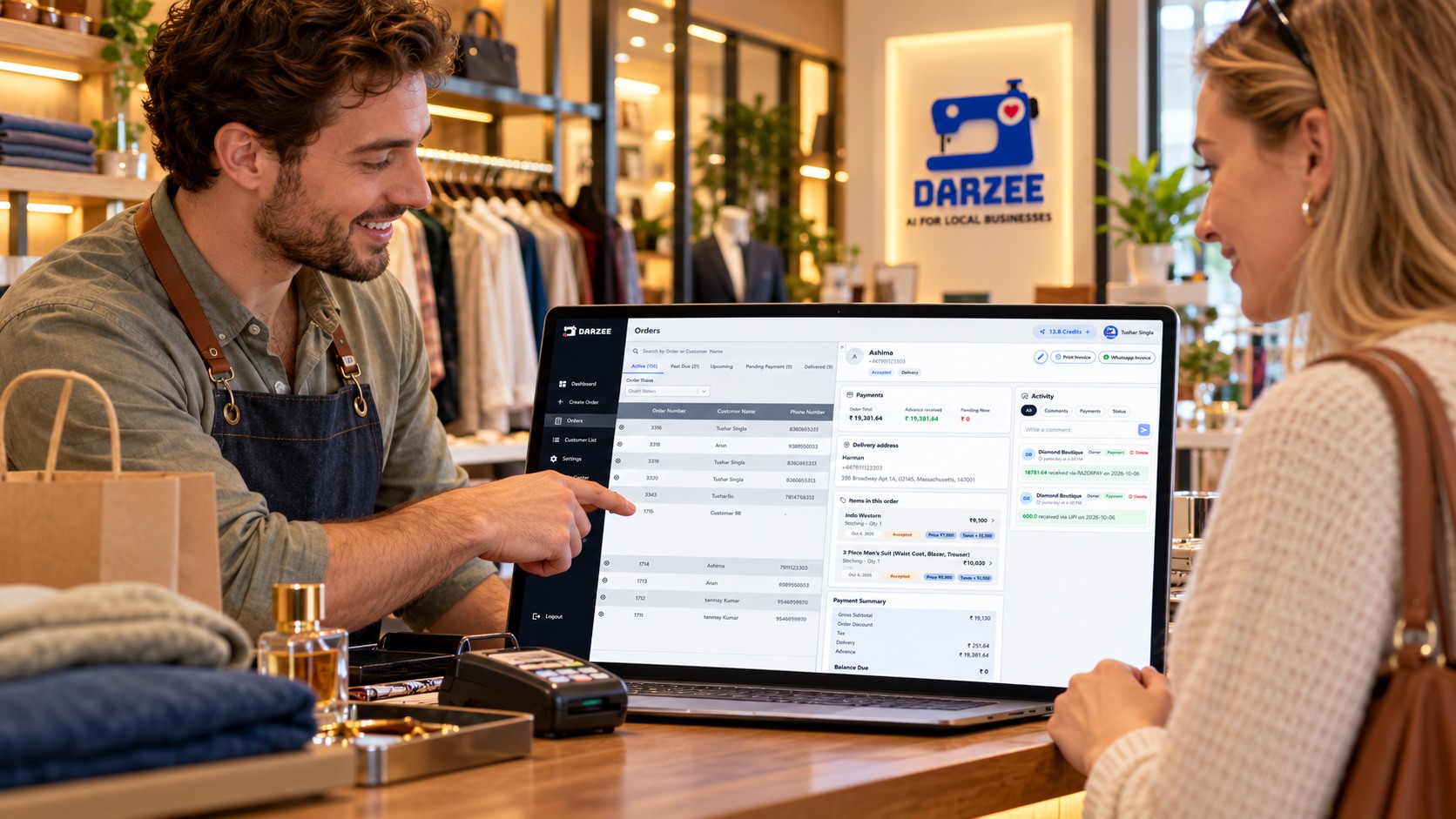
What should a small retail store look for?
Choose retail billing software that records a sale clearly, keeps payment and stock information connected, and gives you a useful daily sales view. Before buying, test it with your own products, payment methods, returns and staff. The best fit is the one your team can use correctly during a busy day.
A shop selling stationery, household products or packaged goods needs more than a printed bill. It needs to know what was sold, what is left, what was returned and whether payment was received. This guide gives you a way to compare software without getting lost in a long feature list.
Billing software vs a POS system: what is the difference?
Billing software usually focuses on making bills or invoices and recording amounts. A POS system, short for point of sale, may also connect checkout with products, stock, payments and customer history. The names overlap, so check what the software actually does rather than choosing by its label.
If you are looking for a POS system for a small retail business, start with the same question: can it follow one sale from the product you select to the payment you record and the stock that remains? Read our guide to what a POS system is for a wider explanation.
Start with how your store works
Write down the problems you want to solve before booking a demo. A small general store with one counter may need quick product entry and clear daily totals. A shop with many product choices may need separate stock records for each size, pack or colour.
List your usual payment methods, how many staff use the counter, which devices you have, and how often customers return items. If customers can pay later, include that too. Mark each need as essential, useful or not needed. This keeps an impressive-looking extra from taking priority over everyday work.
A retail billing software checklist
Compare the same tasks in every system. Ask the provider to show a working example, not just a feature name.
| Area | What to test | Why it matters |
|---|---|---|
| Checkout | Find or scan a product, change quantity and correct an entry. | Staff need to finish an accurate bill without slowing the queue. |
| Bills and invoices | Check item names, prices, discounts and the details your store needs. | The customer and the shop need a clear record of the sale. |
| Stock | Follow the quantity before and after a completed sale. | A sale should not leave the stock record unclear. |
| Returns | Show how a returned item, refund and stock change are recorded. | Returns must not be counted as a new sale. |
| Payments | Record cash, your usual digital method and an unpaid balance. | An order total is not always the amount collected. |
| Reports | Show sales, returns, payment totals and products sold for one day. | You need a useful view when closing the store. |
| Staff and access | Check who can change prices, cancel sales and view records. | Different staff may need different permissions. |
| Data and support | Ask about exports, backups, help and moving your records later. | You should understand how to keep and use your own information. |
How to check inventory management for a retail store
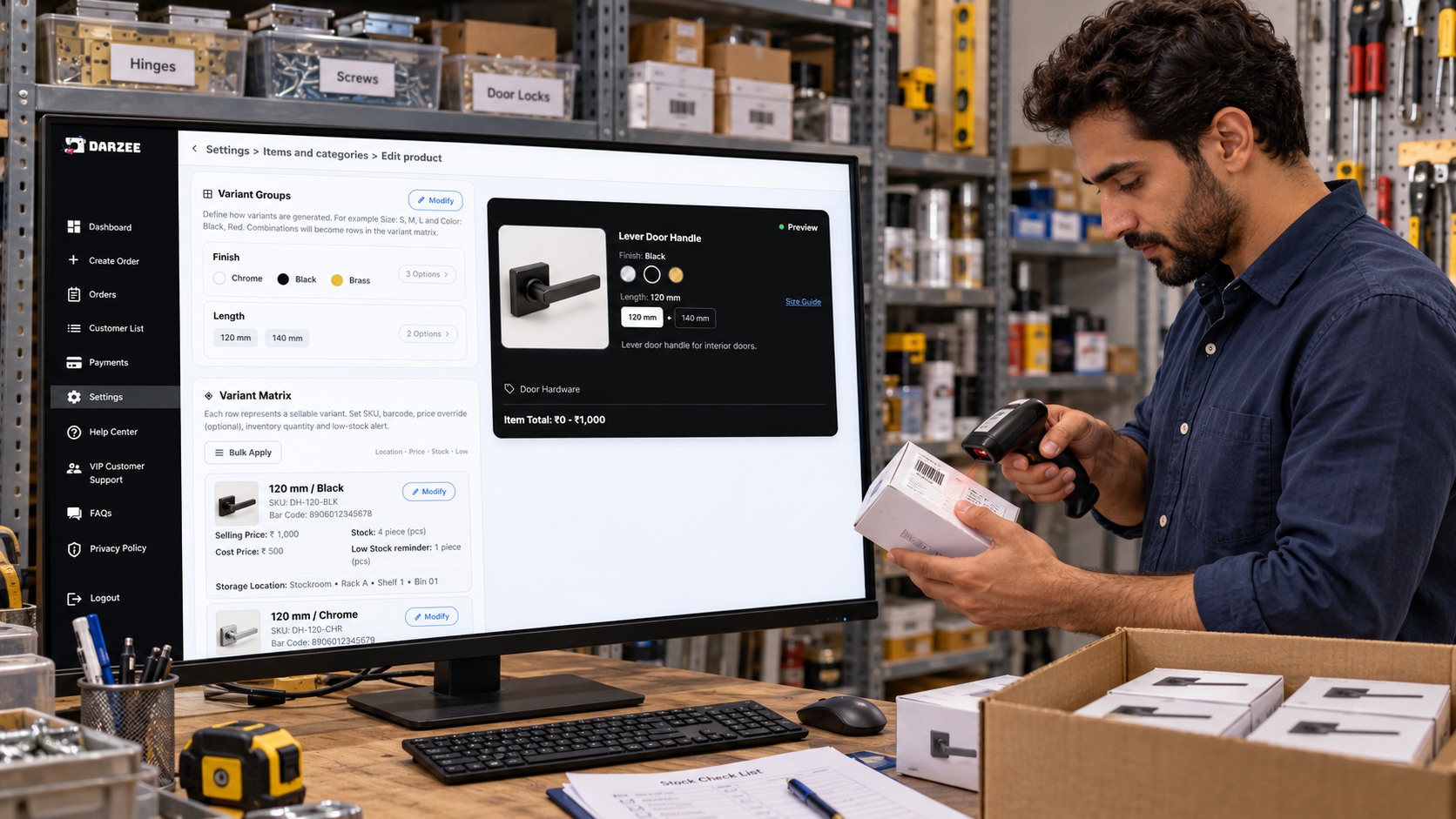
Retail inventory management software is useful only when the records match the products in your shop. Give each product a clear name and, where needed, a unique product code. Keep similar products separate when their price or quantity differs. A small pack and a large pack should not share one stock quantity if you sell them separately.
Ask the demo provider to show stock coming in, a sale going out, a customer return and a correction after counting the shelf. Find out whether these changes happen automatically or need a staff action. Also ask how you can find items running low; do not assume the system sends low-stock alerts unless that feature is shown.
Keep physical stock checks even after moving away from spreadsheets. If the system says 20 notebooks remain but staff count 18, investigate damaged items, missed entries or counting mistakes before changing the record. Software can make information easier to follow, but it cannot count an unrecorded loss for you.
Darzee describes products, variants, product codes, barcodes and structured stock locations on its inventory management page. Check the exact stock tools available in the version and plan you are considering.
How to track retail store sales each day
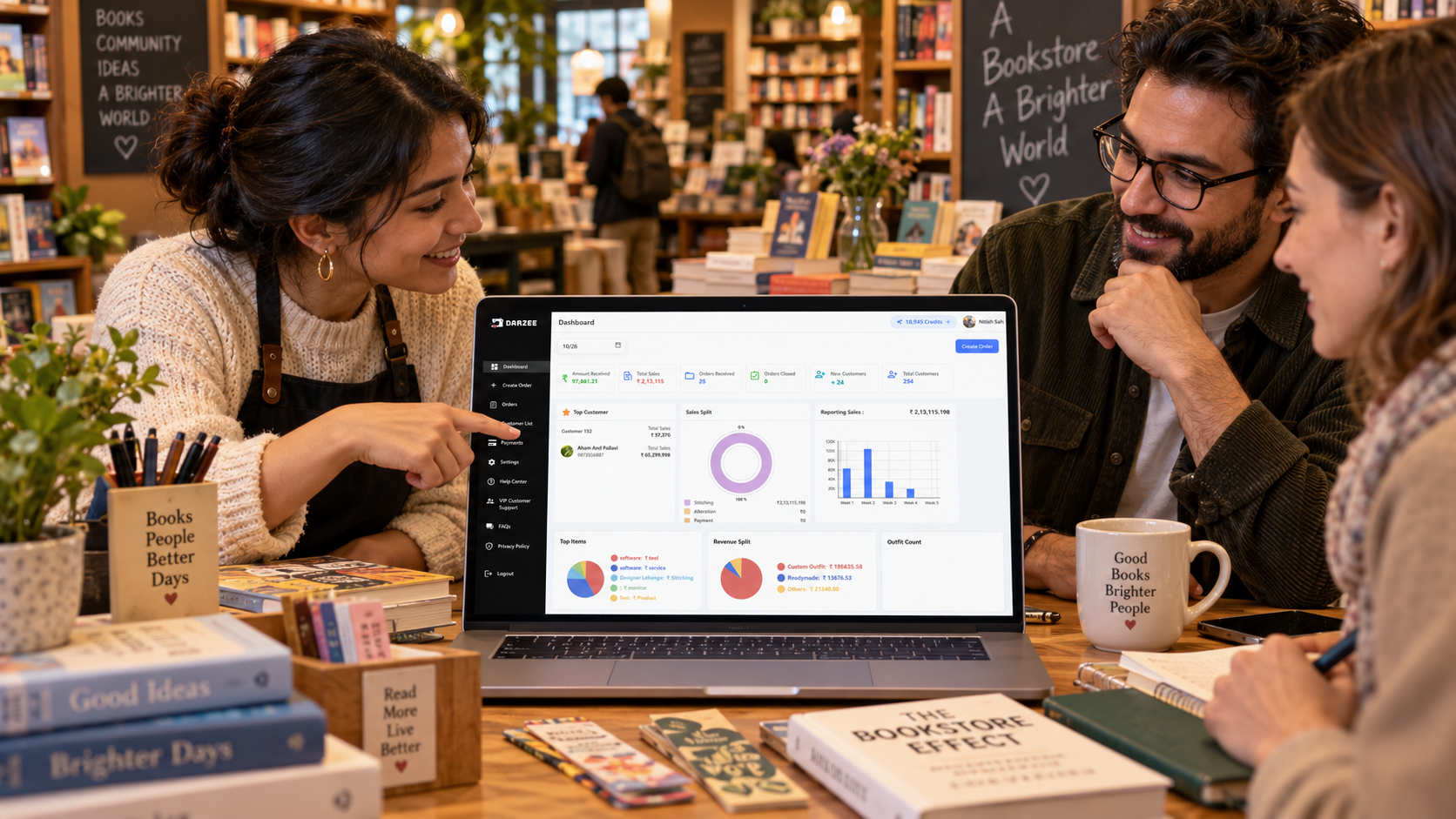
To track retail store sales, use completed sale records and review returns, discounts and payments separately. A useful daily view shows what sold, the value of those sales and how customers paid. If customers can pay later, keep unpaid amounts separate from money already received.
When you compare reports, ask which date they use, how cancelled bills are treated and whether returned items reduce the sales total. Look at product quantities as well as money: an expensive item may bring in more revenue even when fewer units sell. Sales value alone does not show profit unless costs are also recorded correctly.
For an illustrative example, imagine a shop records sales of 1,000 currency units, all paid the same day, and refunds a paid sale worth 100. A view that subtracts those returns would show 900 in net sales and 900 collected after the refund, assuming no other balances or adjustments. Ask the provider to explain its report labels rather than assuming every system calculates them the same way.
At closing, review completed bills, returns, cash collected, digital payments and unpaid balances. Compare the recorded amounts with your cash count and payment-provider records. Investigate differences while the day is still fresh.
Try this small-store demo before choosing
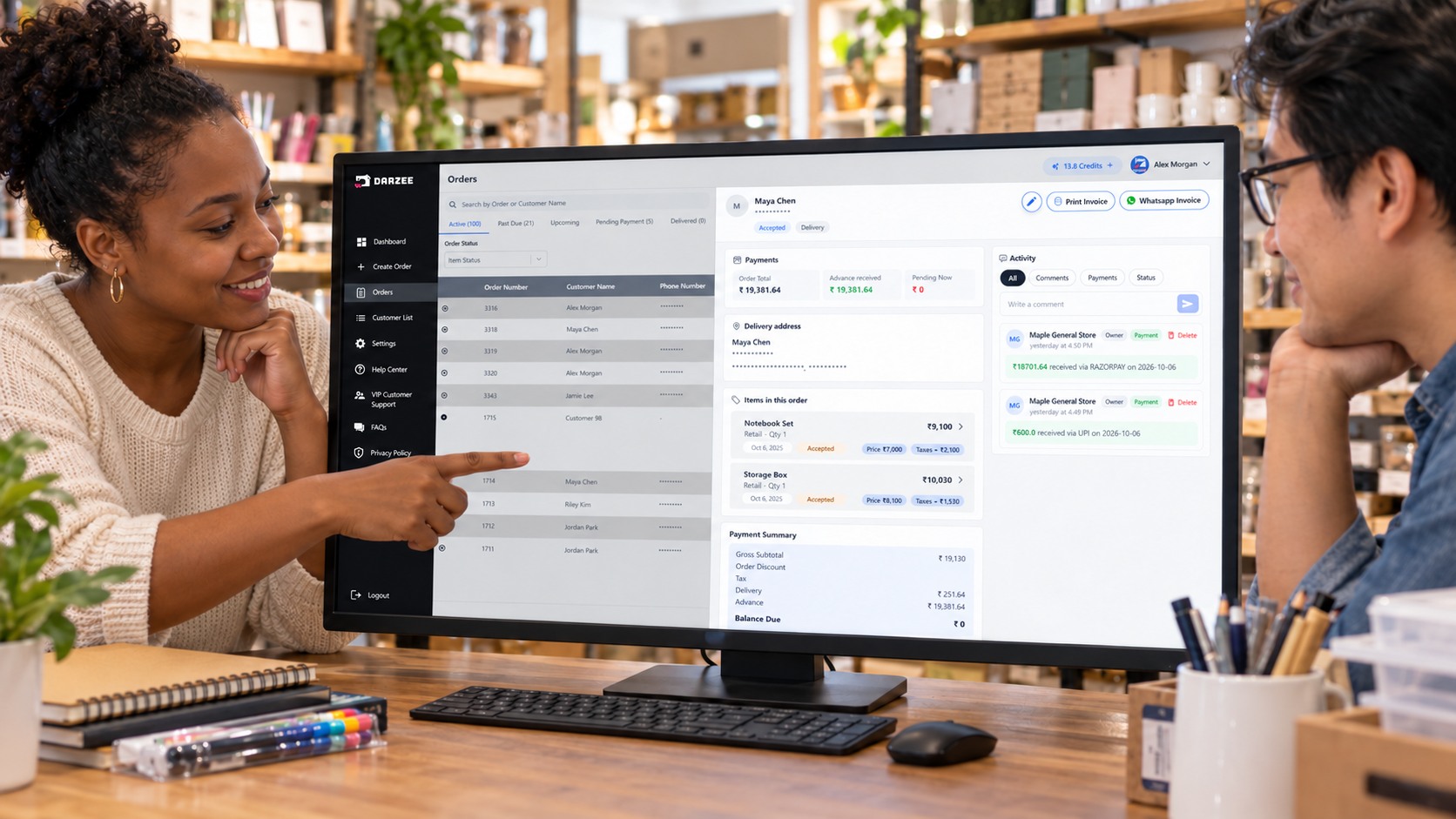
Use a short test based on a real store situation. The products and quantities below are examples, not Darzee test results.
- Create separate records for a notebook, a pen and two sizes of storage box.
- Enter opening stock: 10 notebooks, 20 pens and 5 boxes of each size.
- Sell two notebooks and one pen. Confirm the remaining quantities.
- Apply an allowed discount and check the final bill.
- Record a cash sale, then a sale using your usual digital payment method.
- Try a returned notebook. Check the refund record and whether usable stock is added back.
- If your shop allows payment later, record a partial payment and find the balance.
- Open the daily report and explain the sales, returns and payment totals to another staff member.
Ask a staff member who did not set up the demo to repeat the common tasks. Note where they need help. Check what happens if the connection drops, whether offline work is supported, and how records are kept consistent after reconnecting. Do not assume every web or phone app works offline.
Compare the full cost, not just the monthly price
Ask for a written list of charges for the plan, staff access, devices, setup, support and any payment processing. Check whether important tools are included or require a higher plan. If you use a payment provider, its fees and eligibility rules may be separate from the software subscription.
Before switching, ask how to bring in product names, prices and opening quantities. Check how to export records if you move later. Start with a manageable set of products, verify it, and agree who is responsible for keeping the information current.
Common mistakes when choosing retail software
- Choosing only by price. A cheaper plan may leave out a task your store needs.
- Watching only a simple sale. Test returns, corrections and unpaid balances too.
- Assuming every payment is automatically confirmed. Ask how payment success reaches the order record.
- Skipping stock setup. Duplicate product names and incorrect opening quantities carry old problems into the new system.
- Buying hardware too early. Check compatible devices and your actual counter needs first.
- Ignoring the daily report. Staff should be able to explain its totals before you depend on it.
Where Darzee fits for retail and general stores
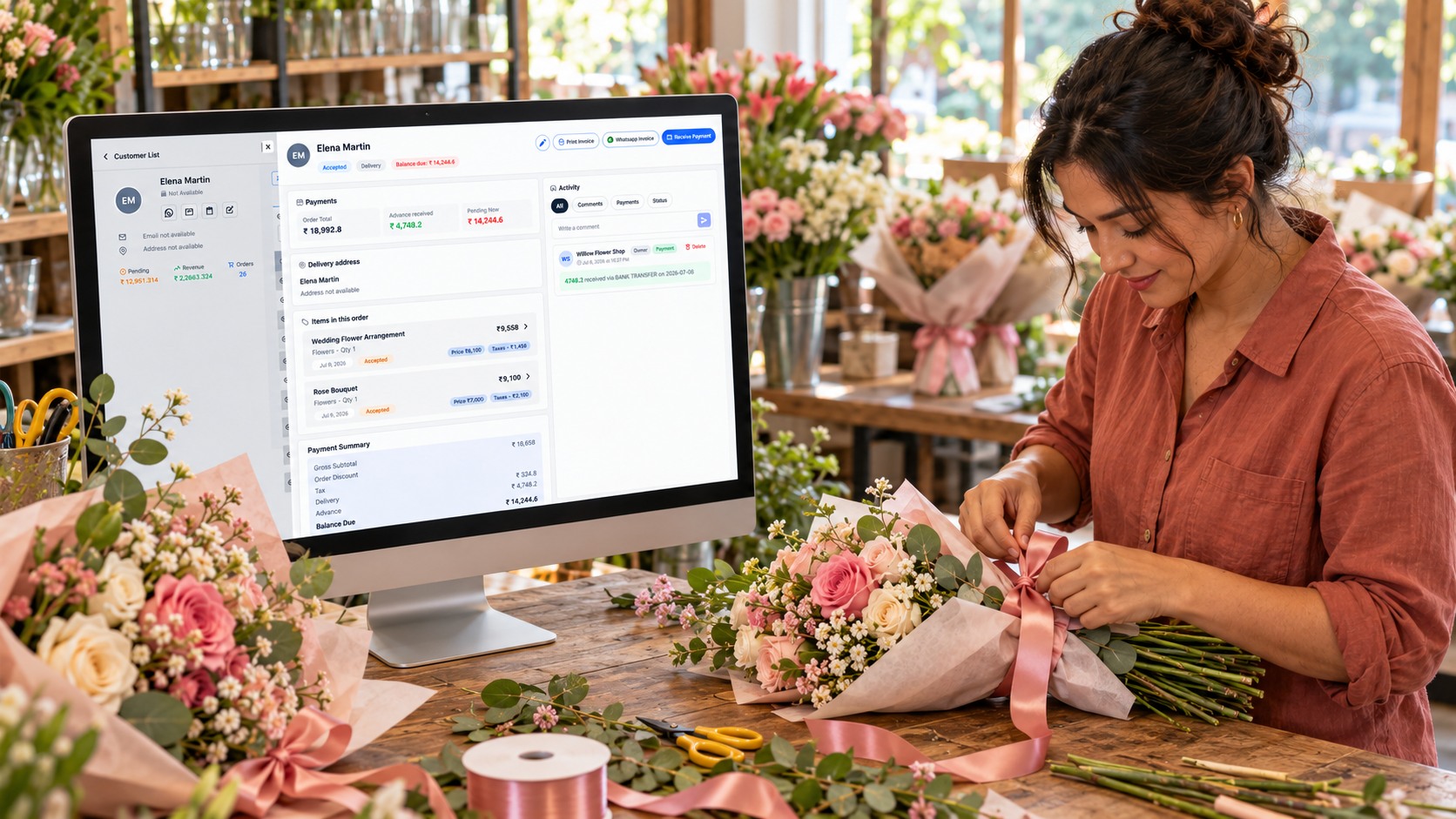
Darzee's retail store page describes product checkout and keypad sales, variants and barcodes, customer purchase history, pending payments, invoices, discounts, taxes and sales reporting. Its payments and checkout page describes keeping payments and balances attached to an order.
That makes Darzee relevant to a store comparing billing, stock and customer records together. Use the checklist above to verify the current version, plan and features your shop needs. Ask specifically about returns, stock alerts, report exports and offline use rather than assuming every item in a general buying guide is already included.
Darzee also describes recording cash and business-owned QR payment methods. Recording a QR payment is not the same as automatic confirmation by a payment gateway. Connected payment options depend on the provider, country, account and device. Confirm those details for your store before choosing.
A short end-of-day checklist
- Check that all completed sales are recorded.
- Review cancelled bills, discounts, returns and refunds.
- Compare cash and digital payment records with the amounts collected.
- Keep unpaid balances separate from paid sales.
- Check important stock changes and investigate differences.
- Note products that need restocking.
- Record questions or mistakes to fix before the next busy period.
Choose software that makes this routine easier for the people who actually run the counter. A clear process, accurate product records and a useful daily review matter more than a feature list your team cannot use.
Common questions about retail billing software
What is retail billing software?
Retail billing software helps a store create bills or invoices and record sales. Some systems also connect stock, customer details, payments and reports. Check the included features rather than relying only on the name.
Does a small retail store need a POS system?
A connected POS system can be useful when a store needs checkout, stock and sales records together. A very small shop may start with simpler records, but should still check whether bills, payments and stock can be kept accurate as work grows.
Can I track retail inventory without spreadsheets?
Yes, you can use software that keeps product and stock records together. Set up opening quantities carefully, record sales and returns correctly, and keep regular physical stock checks.
What should a daily retail sales report include?
Look for completed sales, discounts, returns, product quantities, payment amounts and outstanding balances where relevant. Check how the software defines each total and which date it uses.
Can billing software work on a phone?
Some systems support phones as well as computers. Confirm the tasks, devices, scanners and payment methods supported in your chosen version. Phone access does not automatically mean offline access.

